
 A-Z for Mat Man and Me
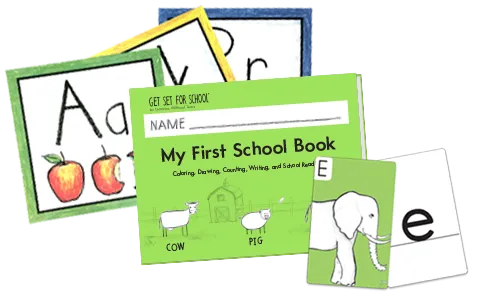 Readiness and Writing
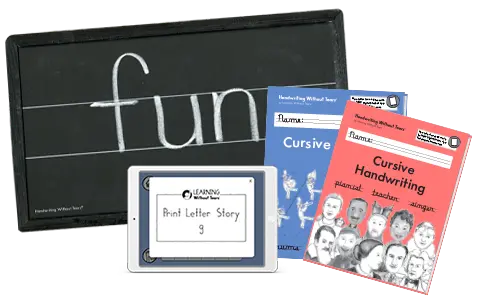 Handwriting Without Tears
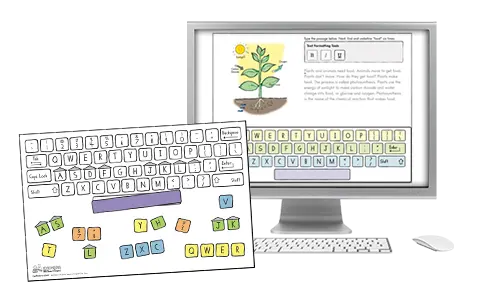 Keyboarding Without Tears
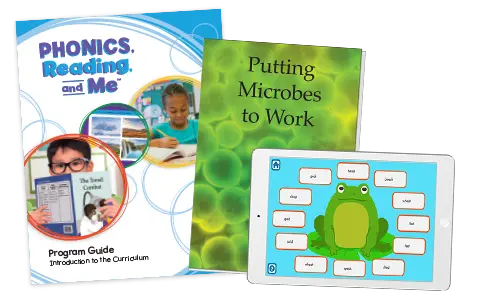 Phonics, Reading, and Me
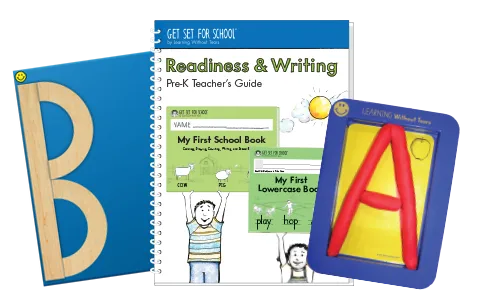 Get Set For School
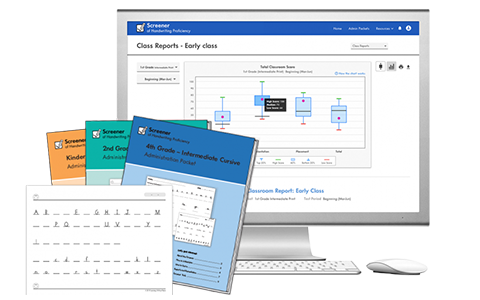 HWT Screener
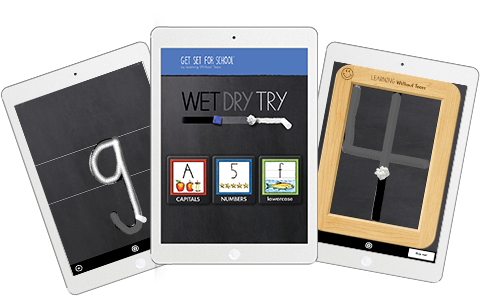 Wet Dry Try
Quick Questions & Answers
We offer several easy ways to order Learning Without Tears products: online, by phone, or by email - whichever works best for you!
Order Online
- Browse our catalog shopping.lwtears.com and add items to your cart.
- You can pay with a credit card (Visa, MasterCard, Discover, or American Express) or with a Purchase Order (PO) during checkout.
- Online orders are typically processed by the end of the next business day.
Order by Phone
- Call 888.983.8409 to place your order with a representative.
- Available Monday - Friday (hours vary seasonally).
Order by Email or Purchase Order
- Email: Send your order or PO to emailorders@lwtears.com.
- Schools and organizations should include any required tax-exempt or billing details with the PO.
If you are tax exempt, please include your exemption form along with your order. Online orders may upload the tax exempt certificate during checkout. Additionally, you can email your tax exempt certificate to taxdepartment@lwtears.com(link sends e-mail). Please be sure to note the online order's reference order ID or your purchase order number so that we can locate your order. To ensure compliance with state and local tax laws, all submitted forms and tax exempt information must be received and reviewed by our customer service department before a customer can place an order free of tax.
Track your order using your shipping confirmation email or enter your Sales Order number at https://lwtears.aftership.com/ . Check spam folders if needed. Still need help? Submit the Customer Care form or call 888.983.8409.
Delivery Times
Business days do not include weekends or holidays.
- US and US Territories: 7–14 business days
- APO/FPO: Up to 15 business days
- Canada: 7–10 business days
- Other International: Approximately 15 business days
Having trouble logging in to purchase products? If you’re receiving error messages or are unable to continue through your shopping cart, please review the steps below.
Step 1: Account Validation or Password Reset
If your account is new or hasn’t been used since 2021:
Click “Sign up now!” to validate your email address.
If the signup form says:
“A user with the specified ID already exists…”
Return to the login page.
Click “Forgot your password?” instead.
Step 2: Verification Code Issues
Both forms send a verification code by email.
If a code isn’t accepted:
Delete older verification emails.
Click “Send Verification Code” or “Send New Code.”
Watch for the newest email in your Inbox (or Junk folder).
Confirm the timestamp is current.
Promptly enter the latest code into the form.
Click “Verify Code.”
After seeing “E-mail address verified. You can now continue,” click “Continue.”
Enter a password in both boxes and submit the form.
Step 3: Try Browser Troubleshooting
If login issues continue, try:
Clearing your browser’s cache and browsing history
Opening a new incognito/private window
Switching to a different browser
Then attempt to log in again.
Still Experiencing Issues?
If you’re still unable to access your account:
Or call 888-983-8409 and dial option 0
Our team is happy to help.


For questions about products you have purchased.
Need help right now?
Contact us and we’ll be happy to help!
Contact Toll Free: 888-983-8409
Office Hours:
Monday–Friday, 8:30 a.m.–5:30 p.m. EST
August and September Customer Support Hours:
Monday–Thursday, 8:30 a.m.–7:30 p.m. EST
Friday, 8:30 a.m.–5:30 p.m. EST